

PacketStream Earn Money,Passive Income Tutorial
Last updated on July 2, 2024
PacketStream offers a service that allows customers to rent “residential networks,” enabling users to access the internet securely and anonymously without geographical restrictions. Users can earn passive income by sharing their unused bandwidth.
How PacketStream Works:
Users install the PacketStream app on their devices, which registers their devices as proxy servers.
When other users need to access the internet through a proxy server, they are routed to a random device on the PacketStream network.
The user’s device receives proxy requests and routes the requests to the original destination. The user receives traffic fees in return.
PacketStream Pros and Cons:
PacketStream Pros:
- Security and anonymity: PacketStream users can access the internet securely and anonymously. Their IP addresses will be hidden, which helps protect their privacy.
- No geographic restrictions: PacketStream users can access geo-restricted content and websites. This is especially useful for people who live in areas with strict internet censorship.
- Earn passive income: PacketStream users can earn passive income by sharing their unused bandwidth.
PacketStream Cons:
- Reduced internet speed: Sharing bandwidth can potentially slow down a user’s internet speed.
- Limited availability: PacketStream’s services are currently only available in certain countries/regions.
- Potential security risks: Using proxy servers always carries some inherent security risks.

PacketStream Registration
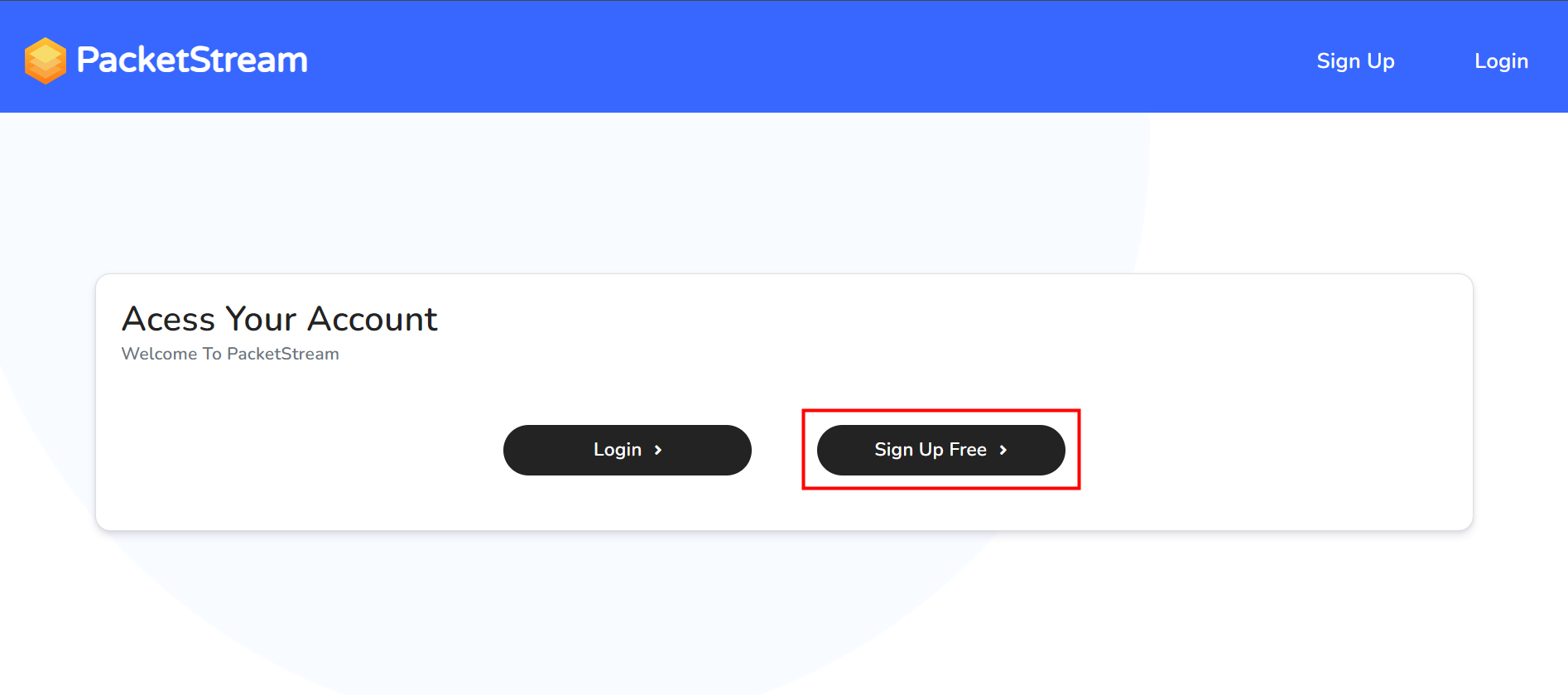
Click on the link and select “Register” in the red box.

Enter your username, email address, and password to register.
Upon successful registration, you will receive an email from PacketStream confirming your registration.

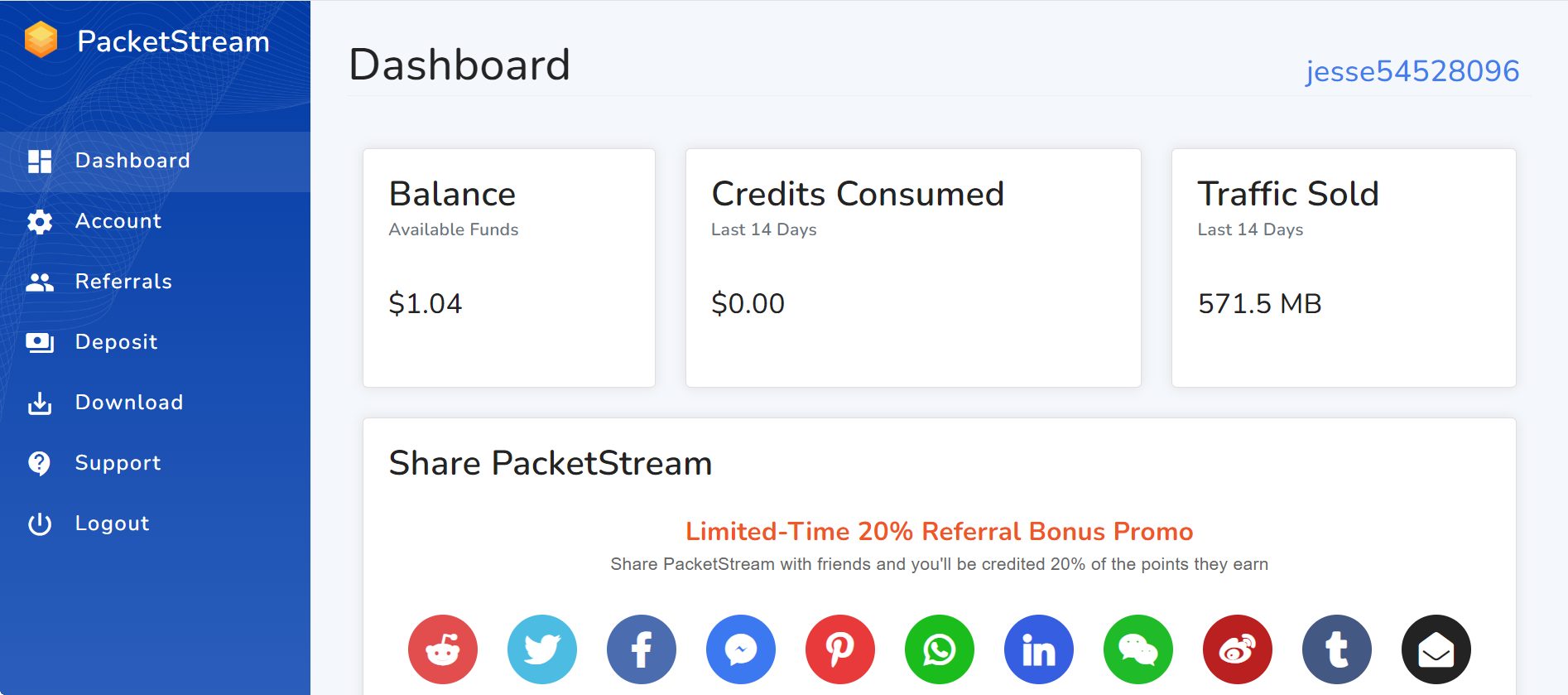
Log in to your account and you will be directed to your member dashboard. You can view your daily traffic data by scrolling down.

PacketStream Download
PacketStream currently supports three devices: Windows, macOS, and Linux.
Once installed and logged in, it will start running automatically.

How to Increase Traffic
- Use only one device per IP address.
- Increase your internet speed. The faster your internet speed, the faster you will accumulate traffic.
- Actively promote and recruit referrals. Referrals can contribute 20% of your traffic.

PacketStream Withdrawals
- Once logged into your member dashboard, click on “Account” in the red box on the left.
- Scroll down and click on “Withdraw”.
- You can withdraw to your PayPal account once you have reached a minimum balance of $5. A 3% processing fee will be applied.
- After initiating a withdrawal request, you will receive an email from PacketStream confirming the action. Please note that the withdrawal process will not be completed immediately and may take approximately 3 days.
- Once the withdrawal process is complete, you will receive another email notification from PacketStream informing you that the requested amount has been transferred to your PayPal account.
Precautions
PacketStream is based on the concept of sharing the idle bandwidth of your home IP network, so there are basically no restrictions. Unlike other similar platforms that limit the number of devices that can be run per IP, running multiple devices on a single IP will only accelerate to a limited extent. This is because when using the same network, the bandwidth is only that much and will not increase with the addition of your devices. Additionally, VPN-based running is not supported.
Other questions: PacketStream FAQ
Overall Summary
PacketStream is a decent option if you’re looking for a way to earn passive income. However, before using PacketStream, be sure to weigh the pros and cons. This program “won’t” make us rich overnight, but through this idle earning program, we can earn some extra income whether we’re using our computers or sleeping.

傑西
If you want to increase your IQ, EQ, and financial intelligence, be sure to subscribe to our website! The content on our website will help you improve yourself. Imagine yourself leveling up in a game, making yourself stronger!If you find this article helpful for you or your loved ones, please share it with others so that more people can benefit from it!


